
Tech Tips
-
Starting an Email Newsletter List
Building an email newsletter can be a great way to stay connected to your audience. Utilizing a Tool Collecting emails manually then manually sending…
-
How to Check if Your Computer Is Windows 11 Compatible
Windows 11 is Microsoft’s latest Windows operating system. While Windows 10 may still be holding on to a larger market share (as seen in…
-
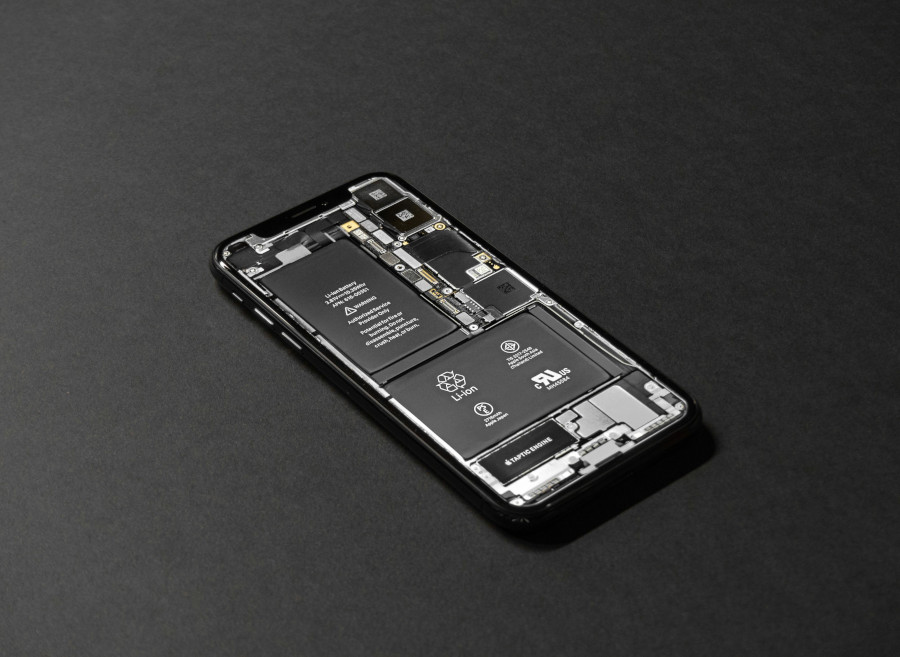
Test Battery Health of Your Smartphone, Computer, or Tablet
If you realize your phone is discharging faster than usual, and a full charge isn’t lasting you as long as before, your battery may…
-

How to Schedule a Text Message on iPhone or Android
Scheduling an SMS text message is a great way to communicate effectively. Especially when you’re running on a busy schedule or find yourself unable…
-
How to Print From Your Smartphone (iPhone, Android, Tablet Mobile)
There may be situations where a desktop PC is not available, but you need to print something. Priting from your phone is simple and…
-
Limit or Stop Apps from Using Your Data to Train AI
Artificial intelligence (AI) has been a promising and rapidly evolving technology, already having benefits in the every-day life. But for AI to learn, it…
-
How to Scan QR Code On Screen or Picture Gallery
A QR code is a barcode that contains information. Today, QR codes are everywhere. And many times they can be useful such as to…
-
How to Un-Zip Archive Files on Computer or Phone
Compressed (zipped, or .ZIP files) are becoming more common. But why? The reason compressed files are regularly used is because it combines many files…
-
How to Check, Restore Deleted Files on Computer
Accidently permanently deleting a file can be a nightmare. Whether it’s an accidental delete or a file you deleted which you may have now…